


 En
En


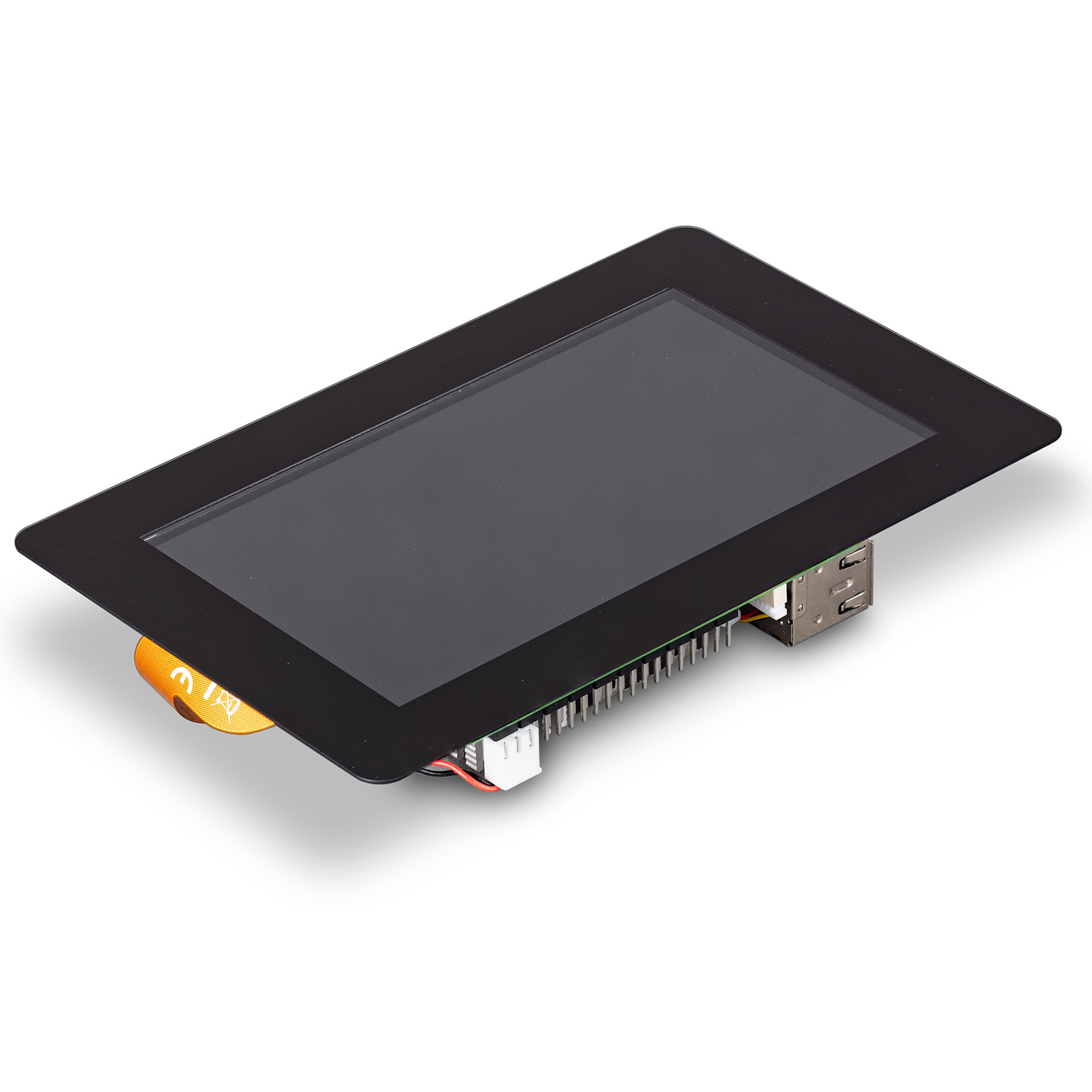
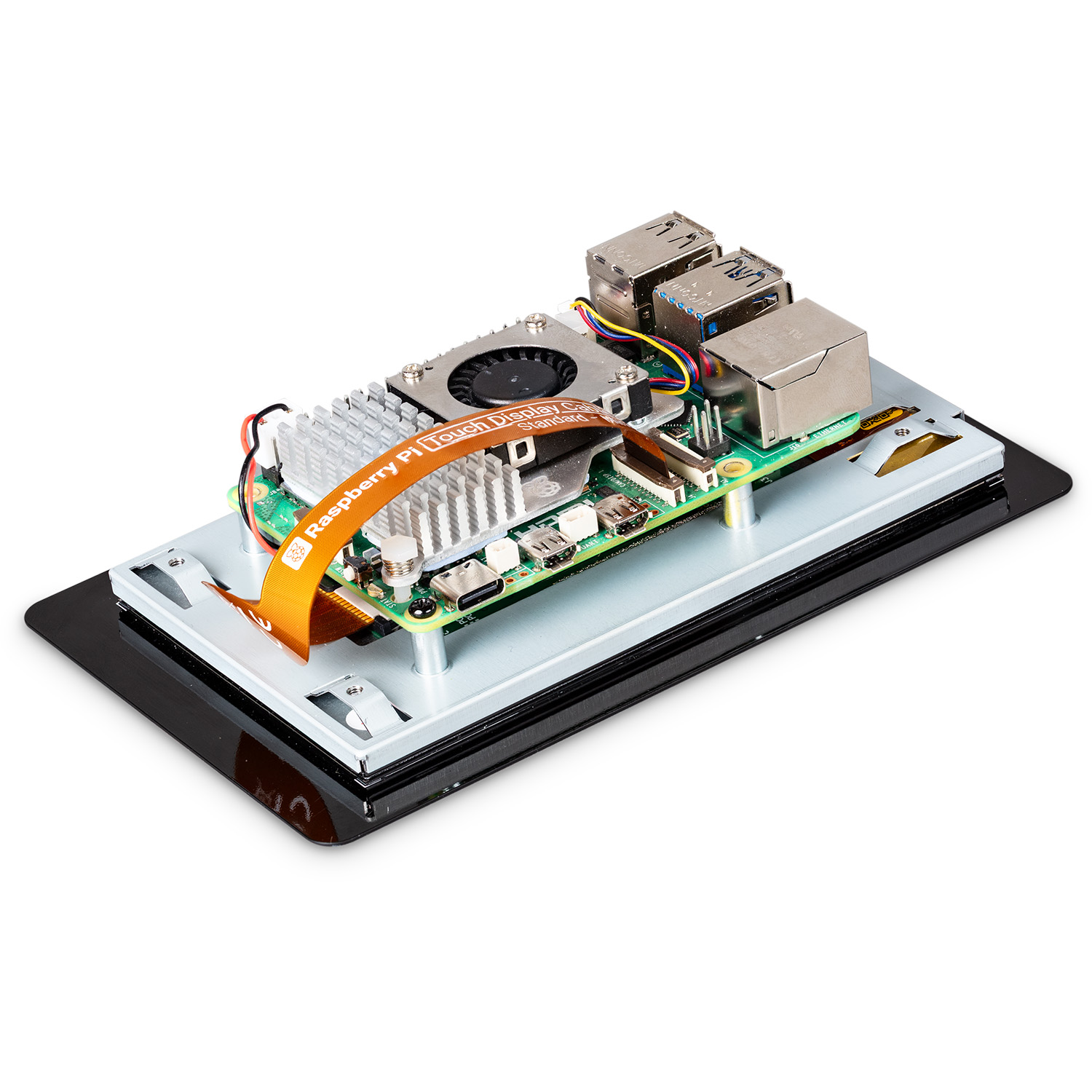
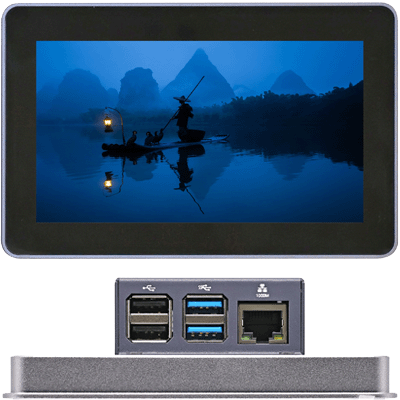
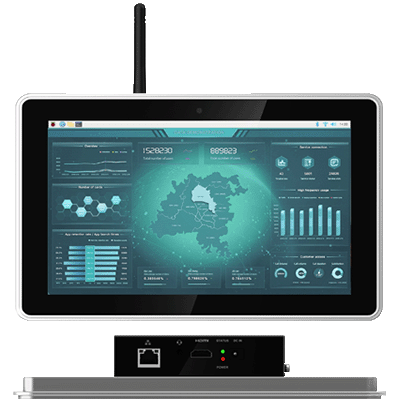
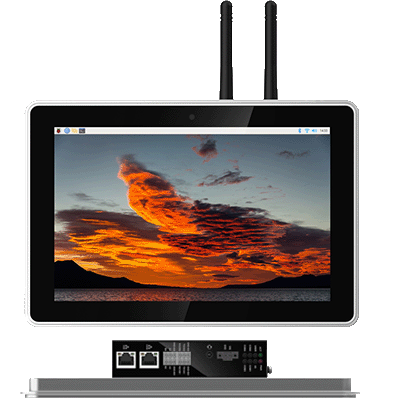
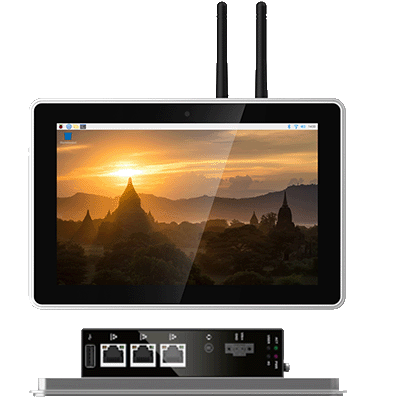
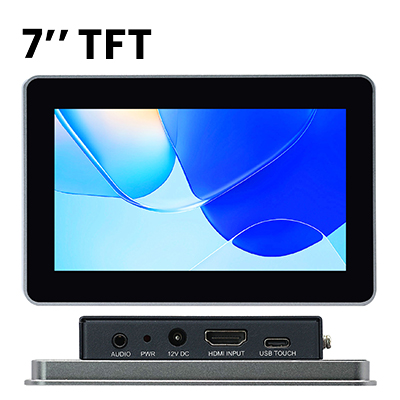
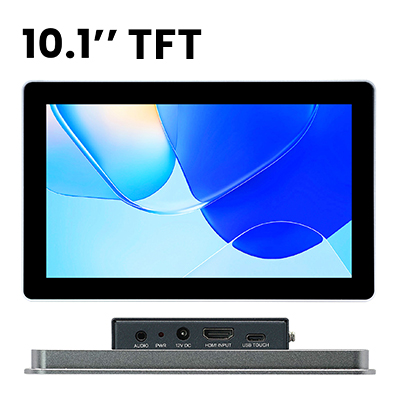
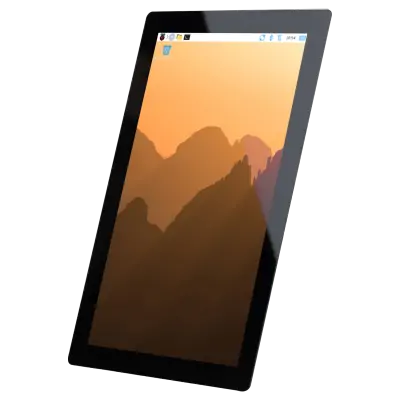
Raspberry Pi Touch Display 2 is a multi-touch portrait panel for Raspberry Pi. Ideal for interactive projects such as tablets, entertainment systems, and information dashboards, it is available in 5-inch, 7-inch, and 10-inch variants to suit a wide range of applications and end-device form factors.
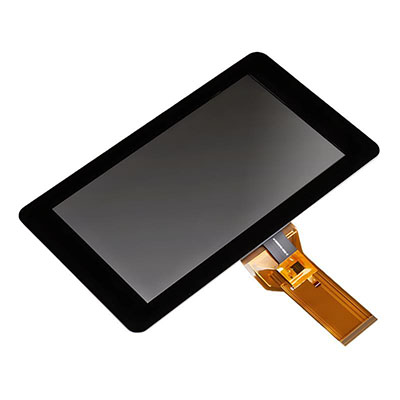
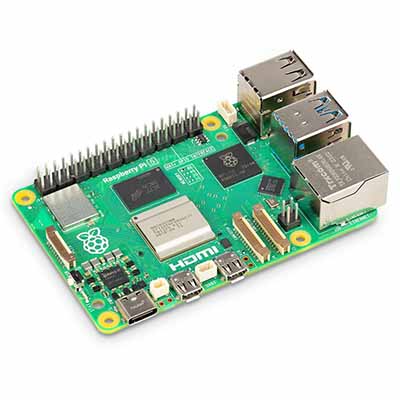
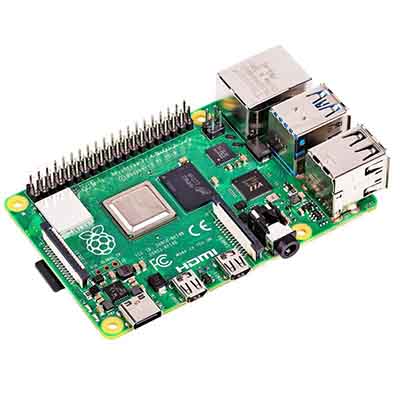
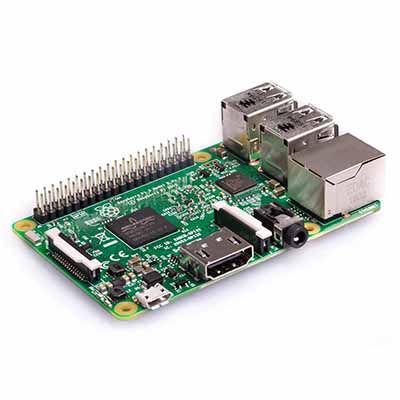
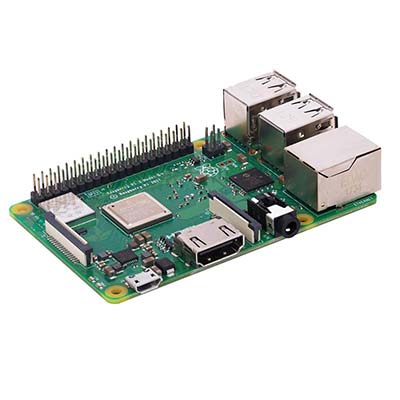
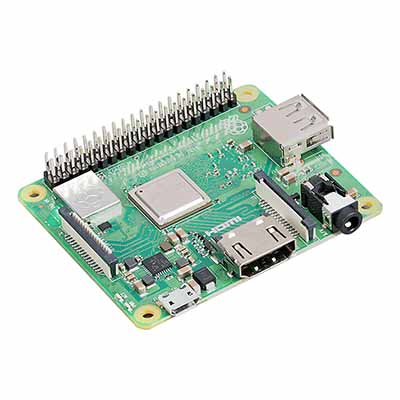
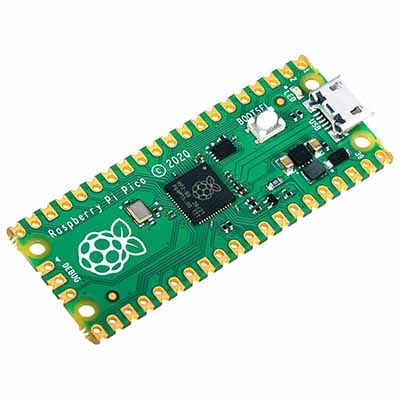
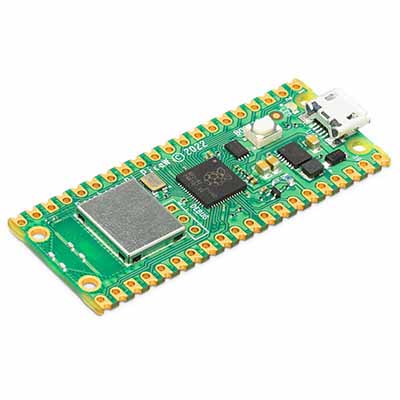
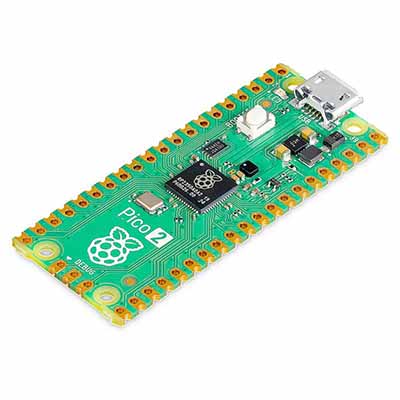
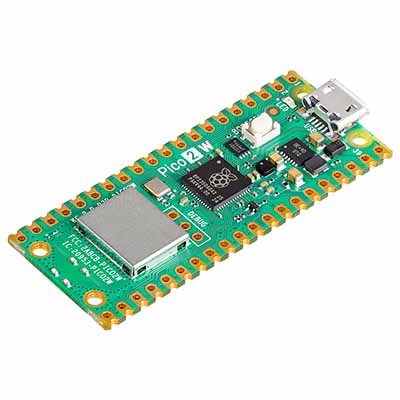
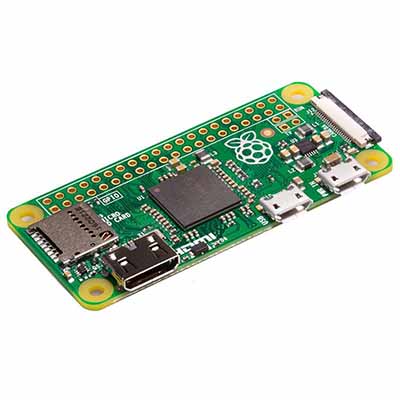
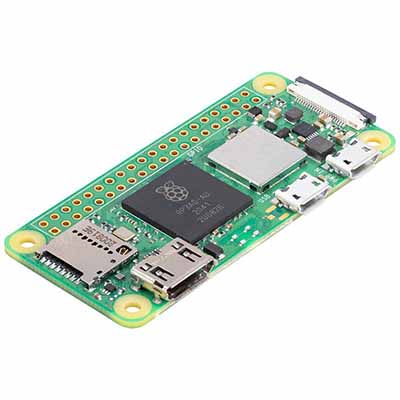
Only two connections are required to connect the display to your Raspberry Pi: power from the GPIO port, and a ribbon cable that connects to the DSI port on all Raspberry Pi computers except for the Raspberry Pi Zero line.
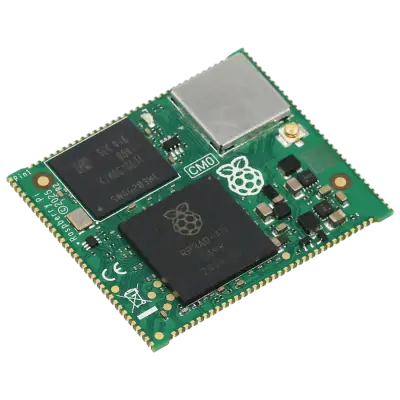
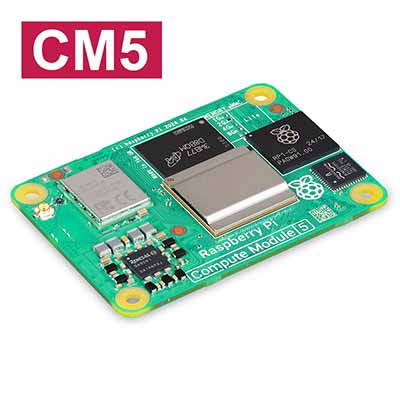
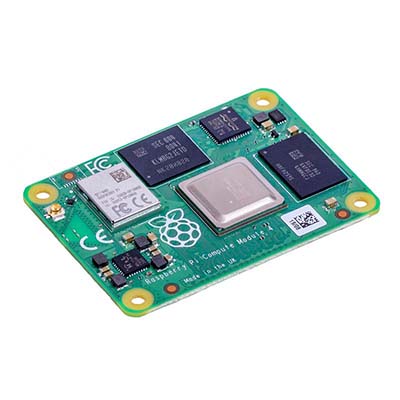
Note: Raspberry Pi Touch Display 2 - 10-inch Portrait is compatible with Raspberry Pi 5 and Raspberry Pi Compute Modules only.