




 En
En

When selecting HMI/MONITOR, many engineers either worry about "insufficient functionality"—poor equipment interconnection—or "wasting money"—using high-performance models for simple control. There’s no need for such hesitation! This guide breaks down the complex selection logic step by step to help you find the right product.
I. Difference Between HMI and MONITOR
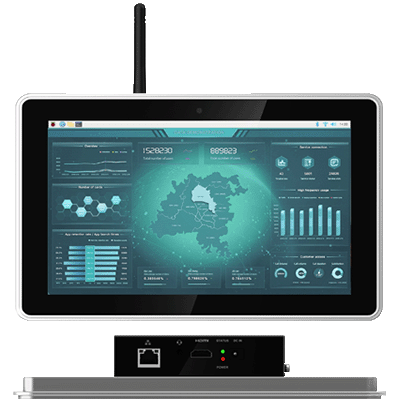
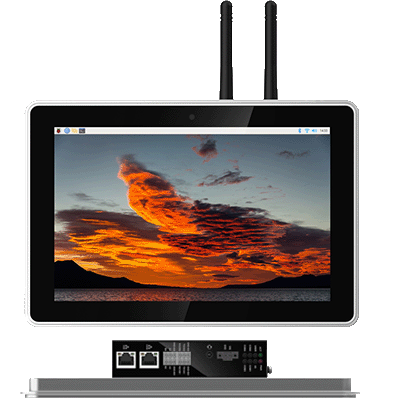
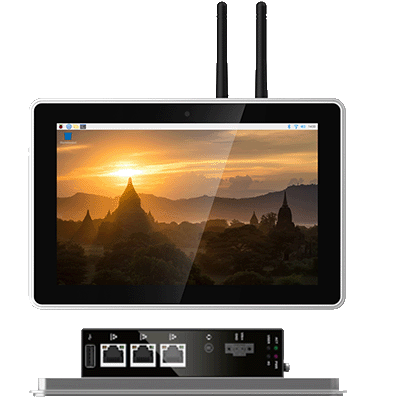
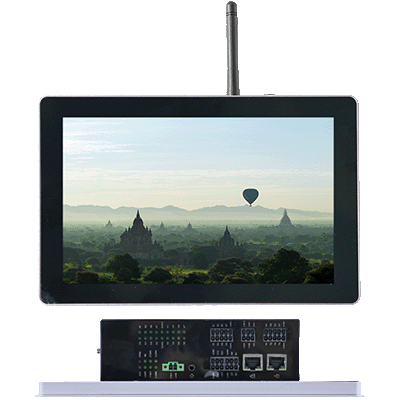
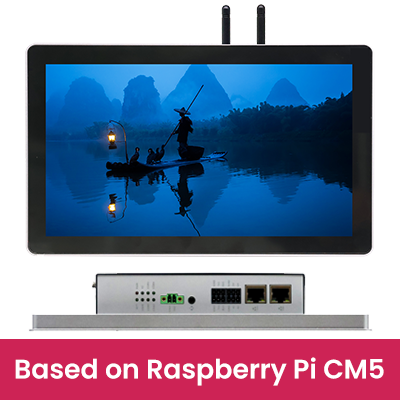
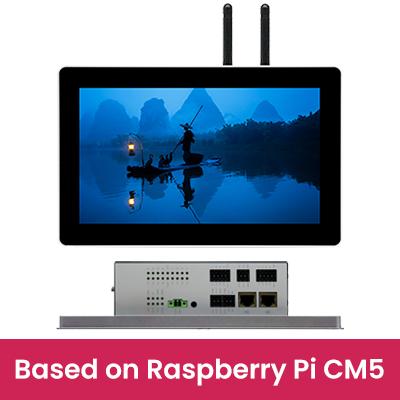
• HMI (Human-Machine Interface): Equipped with control functions, it can connect with PLCs and sensors, supporting parameter setting, data storage, and command triggering. https://edatec.cn/hmi.html
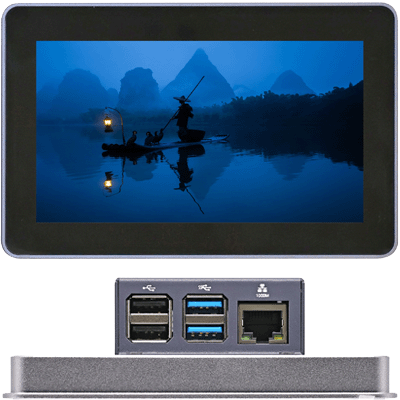
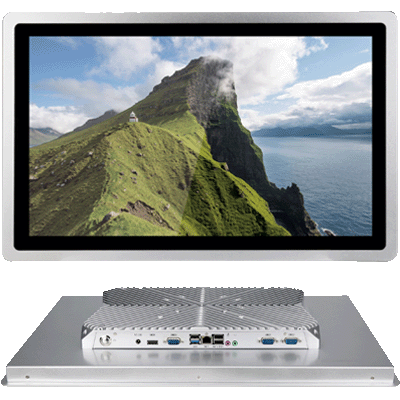
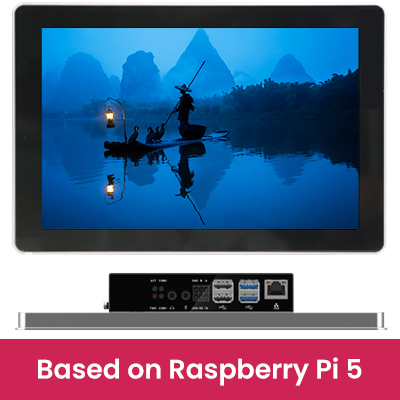
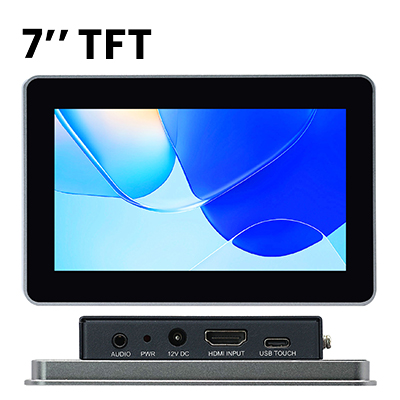
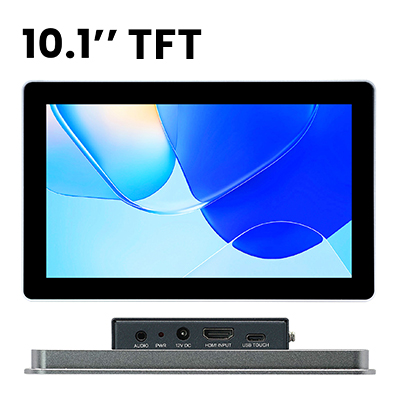
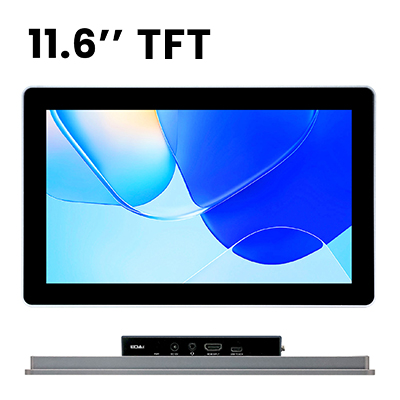
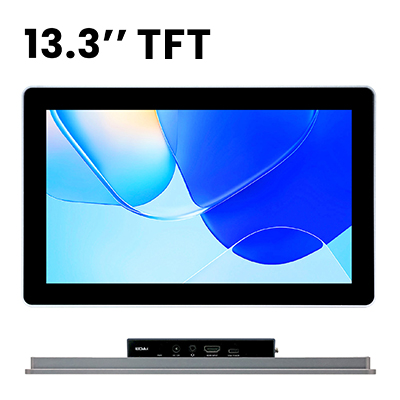
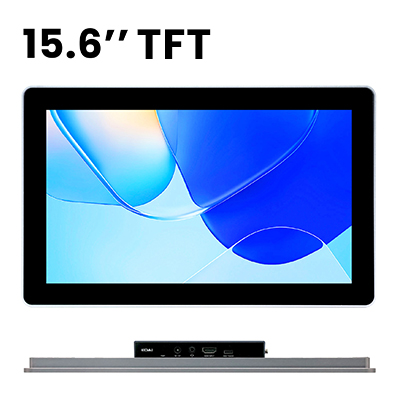
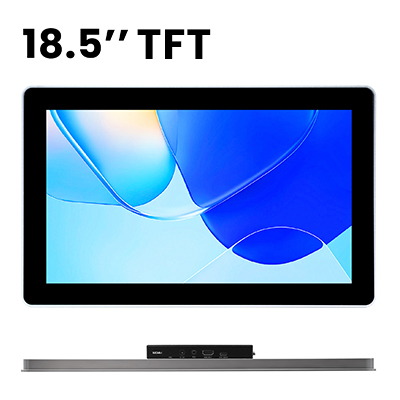
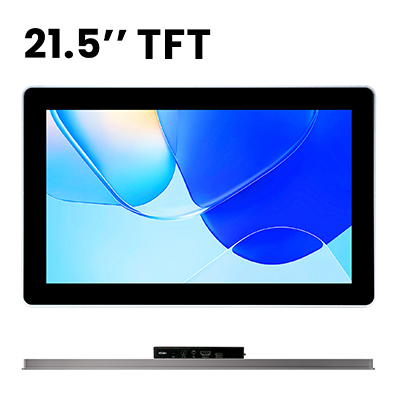
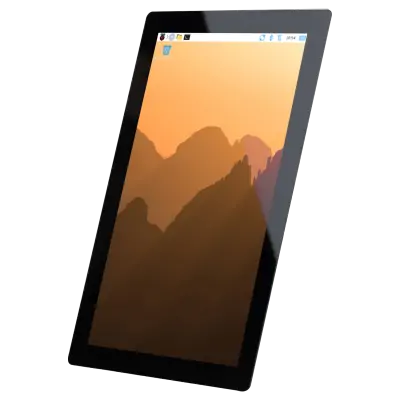
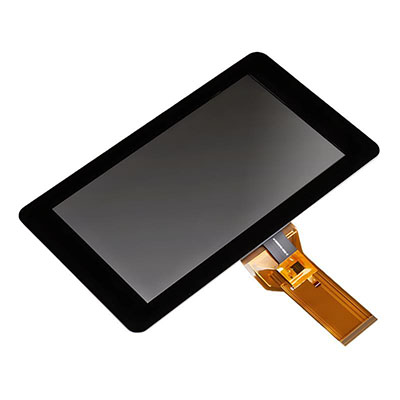
• MONITOR (Industrial Monitor): Pure display function without control modules. https://edatec.cn/display.html
II. Core Selection Factors
01 On-Site Environment
Industrial sites have harsh conditions, so environmental adaptability is a prerequisite for selection:
• Temperature Adaptation:
◦ Ordinary industrial workshops (-10℃~60℃): Choose basic series; no additional configuration required.
◦ Extreme working conditions (-20℃~60℃, e.g., outdoor, cold storage, high-temperature production lines): Select wide-temperature models; heating modules can be added for extremely low-temperature scenarios.
• Protection Level:
◦ Dust environments (mining, cement): IP65 or higher protection.
◦ Washing scenarios (food processing, chemical industry): Fully enclosed fanless design with IP65 front panel protection.
◦ Salt spray environments (coastal areas): Corrosion-resistant shell materials or coatings.
• Lighting Conditions:
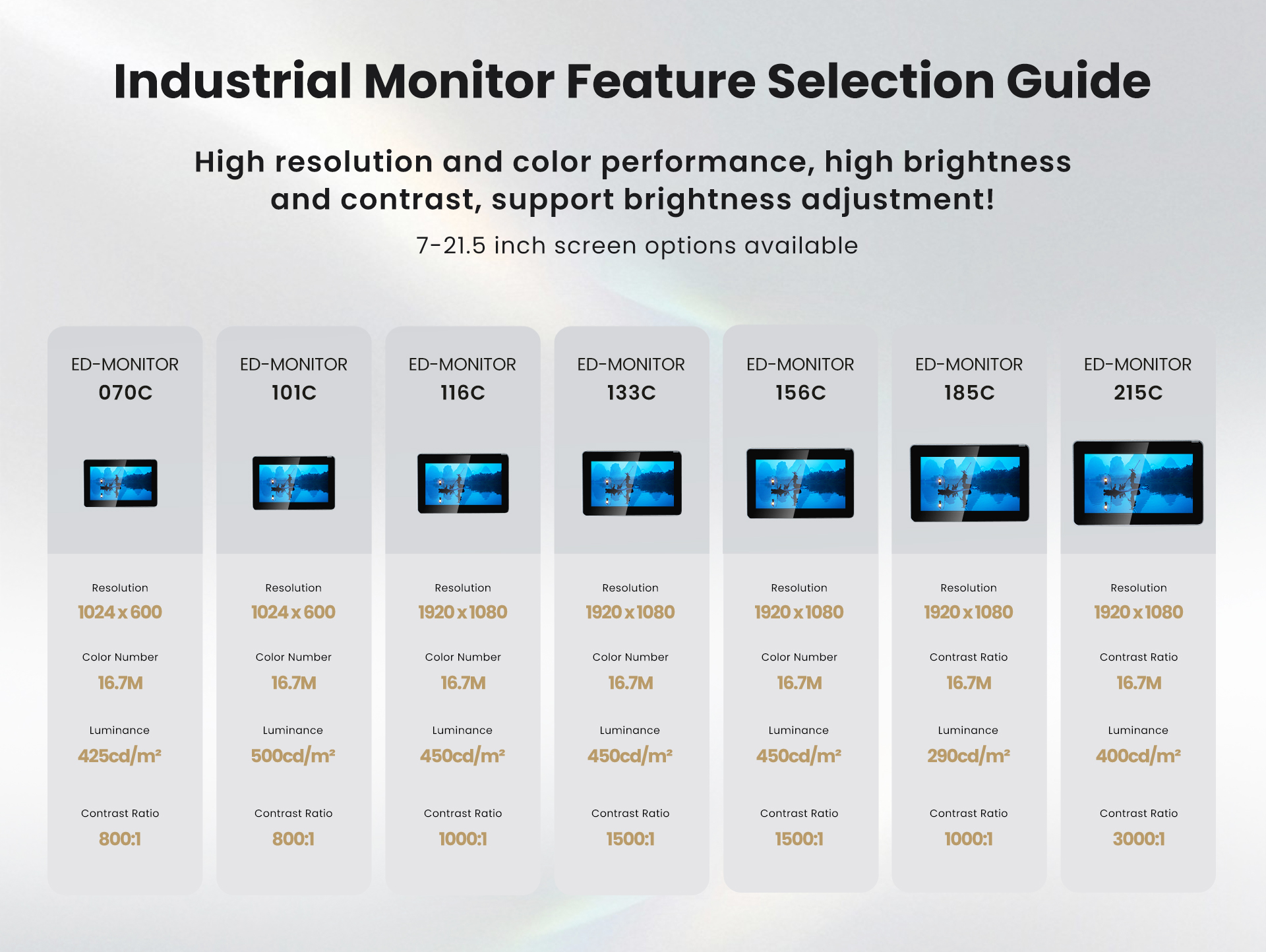
◦ Strong outdoor light (open-air production lines, charging piles): High brightness (≥425cd/m²) + anti-glare coating.
◦ Low indoor light: High contrast ratio (above 800:1).
• Vibration and Shock:
◦ Heavy machinery, rail transit: Anti-vibration reinforced models (withstanding continuous vibration of ≥5Grms).
02 Hardware Interfaces & Protocols
Ensure smooth communication with PLCs, sensors, upper computers, and other devices:
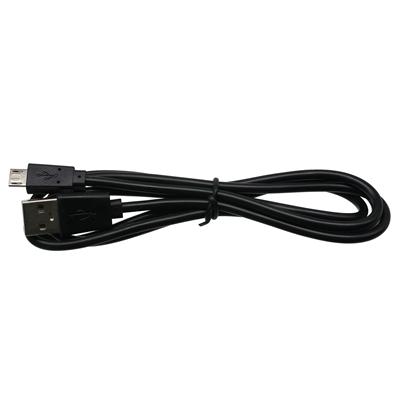
• Basic Interfaces: HDMI (video input) + USB (touch/data transmission).
• Industrial Interfaces:
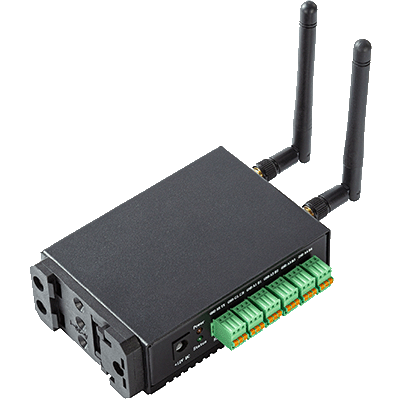
◦ Dual network ports (Gigabit + Fast Ethernet) and 4×RS232/485 (with isolation protection) are common configurations for high-performance and harsh-environment series.
◦ CAN Bus: ED-HMI3630 (harsh environment series) comes standard with 2×CAN 2.0B interfaces (3KV isolation protection, baud rate 10-1000kbps), while ED-HMI3120 (high-performance series) does not—pay special attention to equipment interconnection requirements.
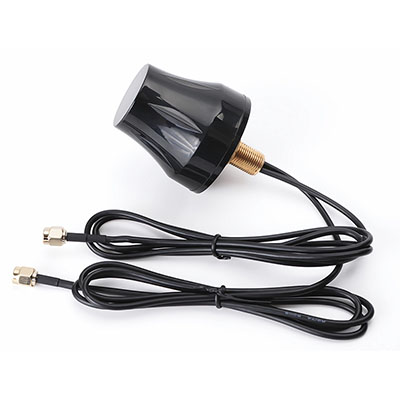
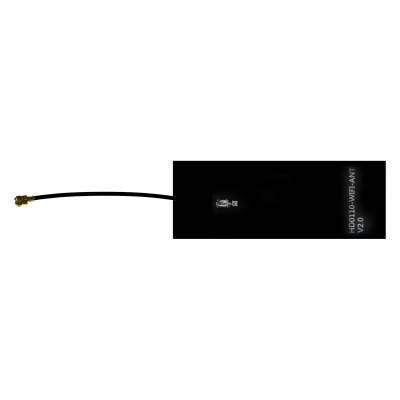
• Remote Communication: 2.4GHz+5GHz dual-band Wi-Fi, 4G module.
• Protocol Support: Mainstream industrial protocols (Modbus RTU/TCP, OPC UA, PROFINET); third-party devices can be expanded for compatibility via protocol conversion modules.
03 Display & Touch Performance
• Display Parameters:
◦ Size: 7 inches (standalone devices) → 10.1~15.6 inches (mainstream monitoring) → 18.5~21.5 inches (central control rooms).
◦ Resolution: Full HD (1920×1080) is required for complex data (curves, charts), supported by MONITOR models of 11.6 inches and above, as well as the ED-HMI3120 series.
• Touch Types:
◦ Resistive Touch: Suitable for oil-stained, dusty environments and scenarios with thick gloves (supports tool/stylus operation).
◦ Capacitive Touch: Suitable for clean environments (5~10-point touch, convenient zoom/rotation, 6H-level surface hardness for scratch resistance) — standard on all ED-HMI&MONITOR models.
04 Hardware Configuration & Storage
• Processor & Memory:
◦ Basic Control: ARM Cortex-A72 (1.8GHz quad-core), 2~4GB LPDDR4.
◦ Complex Tasks (multi-axis motion control, real-time computing): ARM Cortex-A76 (2.4GHz quad-core), 4~16GB LPDDR4.
• Storage Capacity:
◦ Basic Scenarios: 32GB eMMC (no need for large-scale historical data storage).
◦ Expansion Needs: Supports Micro SD card / M.2 NVMe SSD expansion (up to 1TB, suitable for production logs and offline report storage).
• Reliability Configuration: For critical scenarios (chemical DCS, energy monitoring), prioritize models with super capacitors (data storage during power outages), watchdogs (preventing program crashes), and RTC (real-time clock for time preservation during power outages).
05 Installation & Power Supply Methods
• Installation Methods:
◦ Embedded: Suitable for control cabinets and equipment panels.
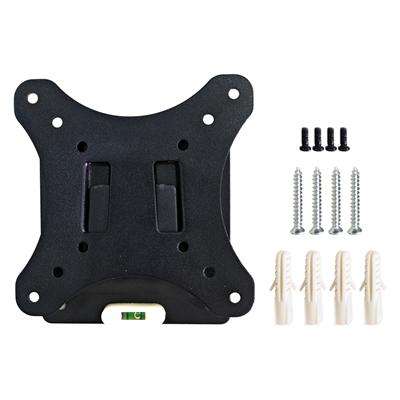
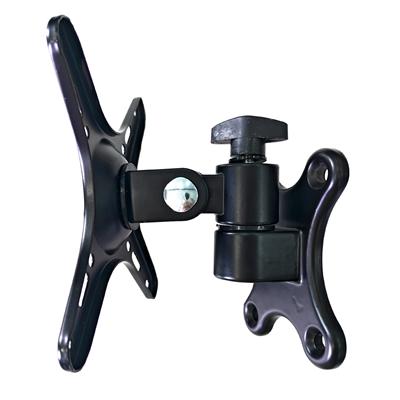
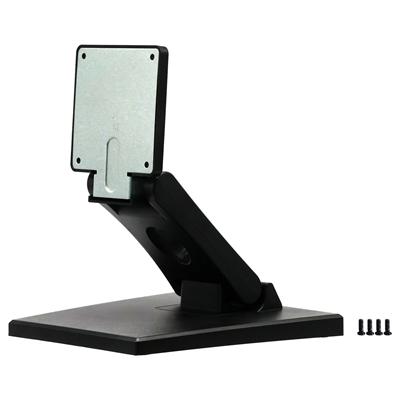
◦ Desktop/Wall-Mounted: Suitable for monitoring rooms and outdoor equipment.
◦ Compact Installation: Small-size models.
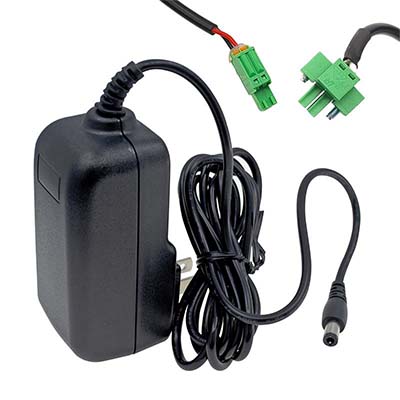
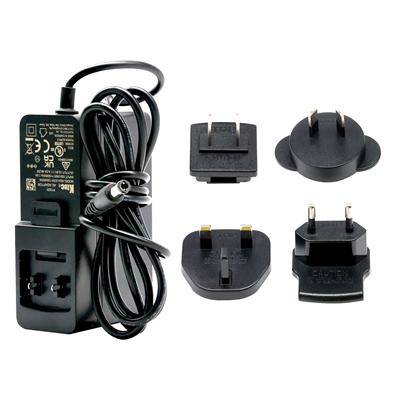
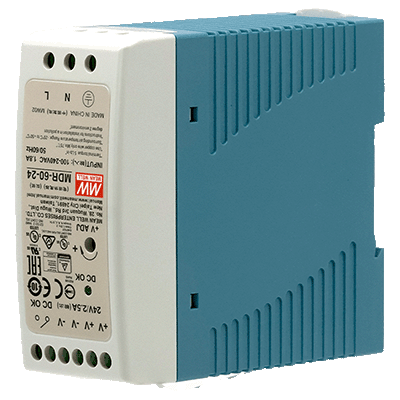
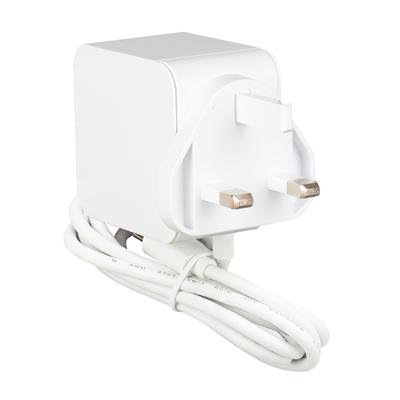
• Power Supply Requirements:
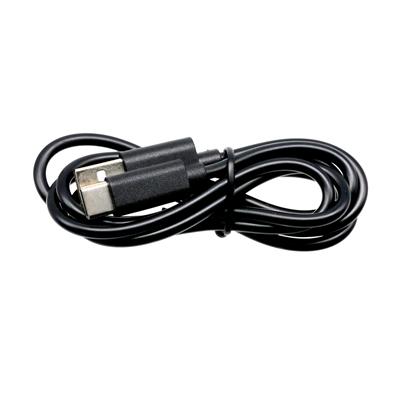
◦ Ordinary Scenarios: 5V DC (USB Type-C) or 12V DC power supply.
◦ Industrial Fluctuation Environments: 9V~36V wide-voltage power supply (with overcurrent, overvoltage, and reverse connection protection, supported by ED-HMI2630/3120/3630).
III. Selection Summary Table
Product Series | Key Parameter Configuration | Applicable Scenarios | Core Advantages |
Economic HMI (ED-HMI2002 Series) |
| Small and medium-sized equipment, simple production lines, building control, standalone operation | High cost-effectiveness, convenient stock, low replacement cost; full coverage of basic functions |
Advanced HMI (ED-HMI2630/3120) |
| Factory automation, intelligent warehousing, central monitoring of large production lines, remote monitoring | High configuration, multi-protocol compatibility; rich interfaces with expansion support; high reliability |
High-Performance HMI (ED-HMI3630) |
| Outdoor equipment, high/low-temperature production lines, salt spray/dust environments + CAN interconnection (e.g., vehicle-mounted/wind power) | Strong adaptability to extreme working conditions; excellent outdoor visibility; CAN bus support for equipment interlocking |
Industrial MONITOR (ED-MONITOR Series) |
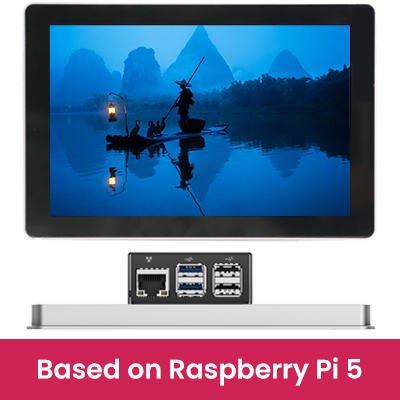
| PLC operation panels, SCADA visualization, centralized display in central control rooms | Reliable pure display function; multiple size options with flexible installation; compatible with Raspberry Pi |
Final Selection Tips
Ask yourself 4 key questions before choosing:
① What environment will the equipment work in (temperature/humidity, protection, vibration)?
② Is complex control required (multi-device interconnection, real-time computing)?
③ Is only display needed, or both control + display?
④ Is CAN bus required (e.g., equipment interlocking, vehicle-mounted scenarios)?
Corresponding Recommendations:
• Ordinary environment + basic control + display → Economic HMI;
• Ordinary environment + complex control + CAN required → ED-HMI2630;
• Ordinary environment + complex control + no CAN needed → ED-HMI3120;
• Extreme environment + CAN interconnection required → ED-HMI3630;
• Display only (no control) → Industrial MONITOR.


