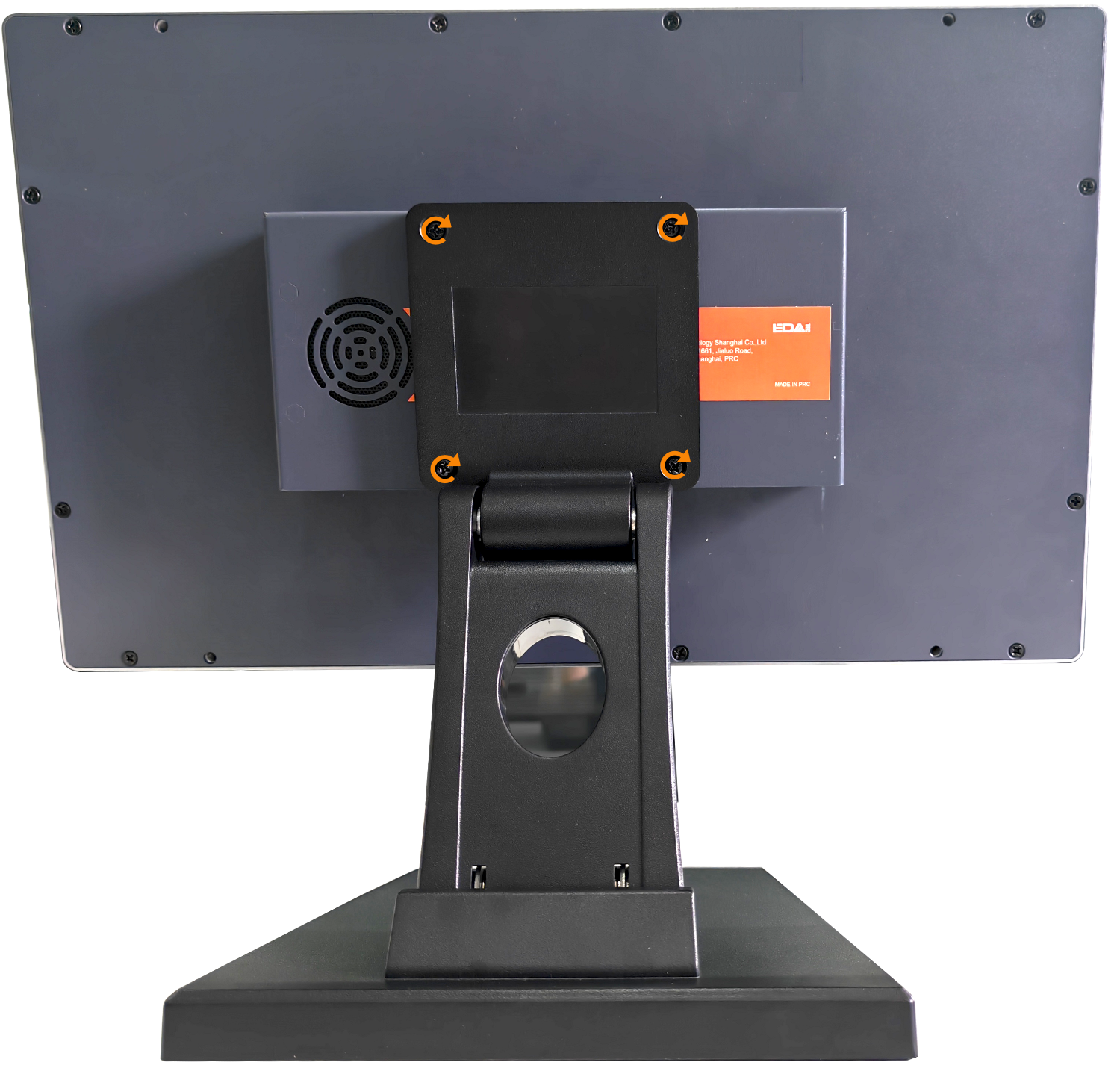
ED-VESA-C
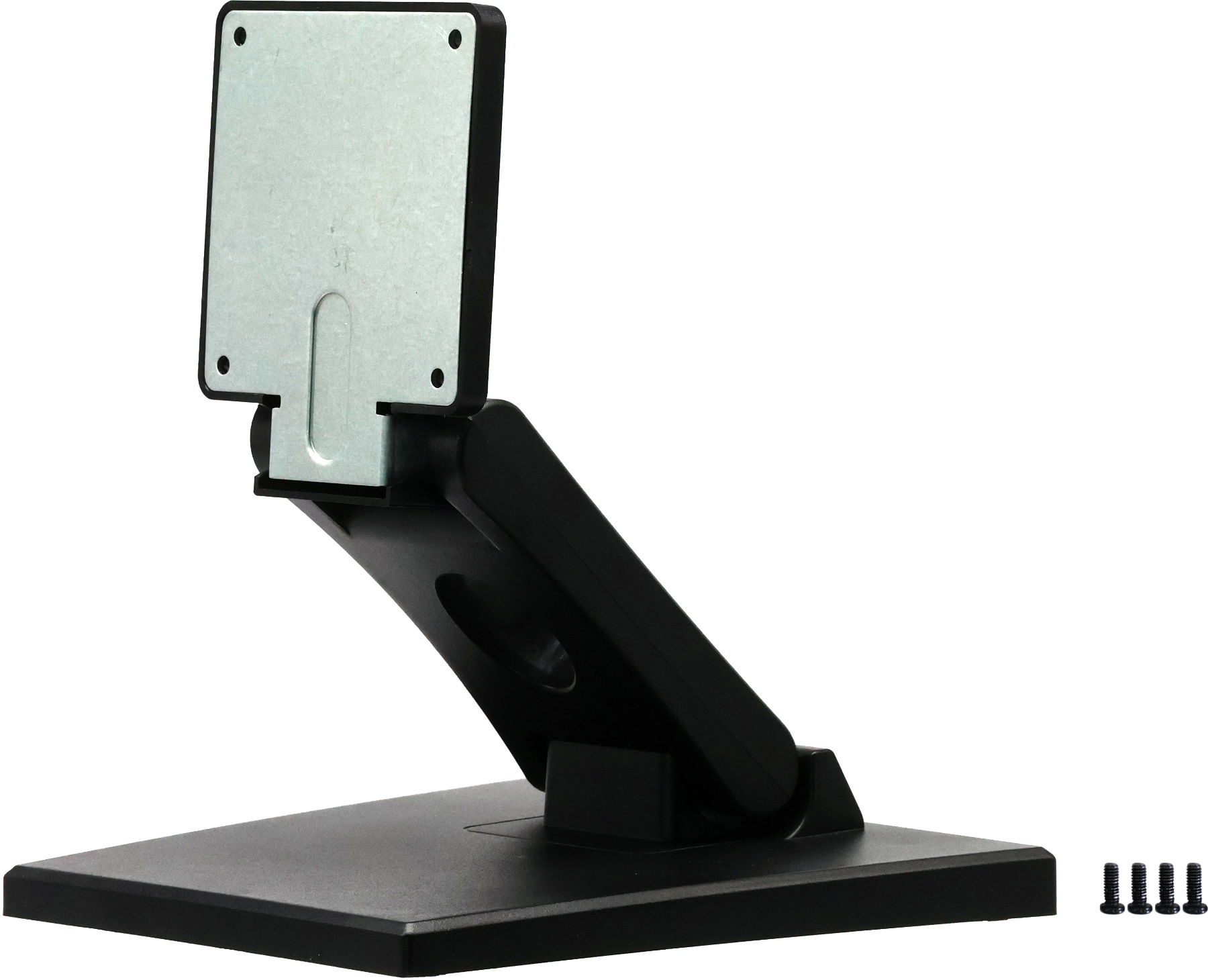
VESA 75mm Desk Mount Bracket
Specifications
| Mechanical Characteristics | |
|---|---|
| Material | Plastic |
| Color | Black |
| Weight | About 625g |
| Max Load Capacity | 10kg |
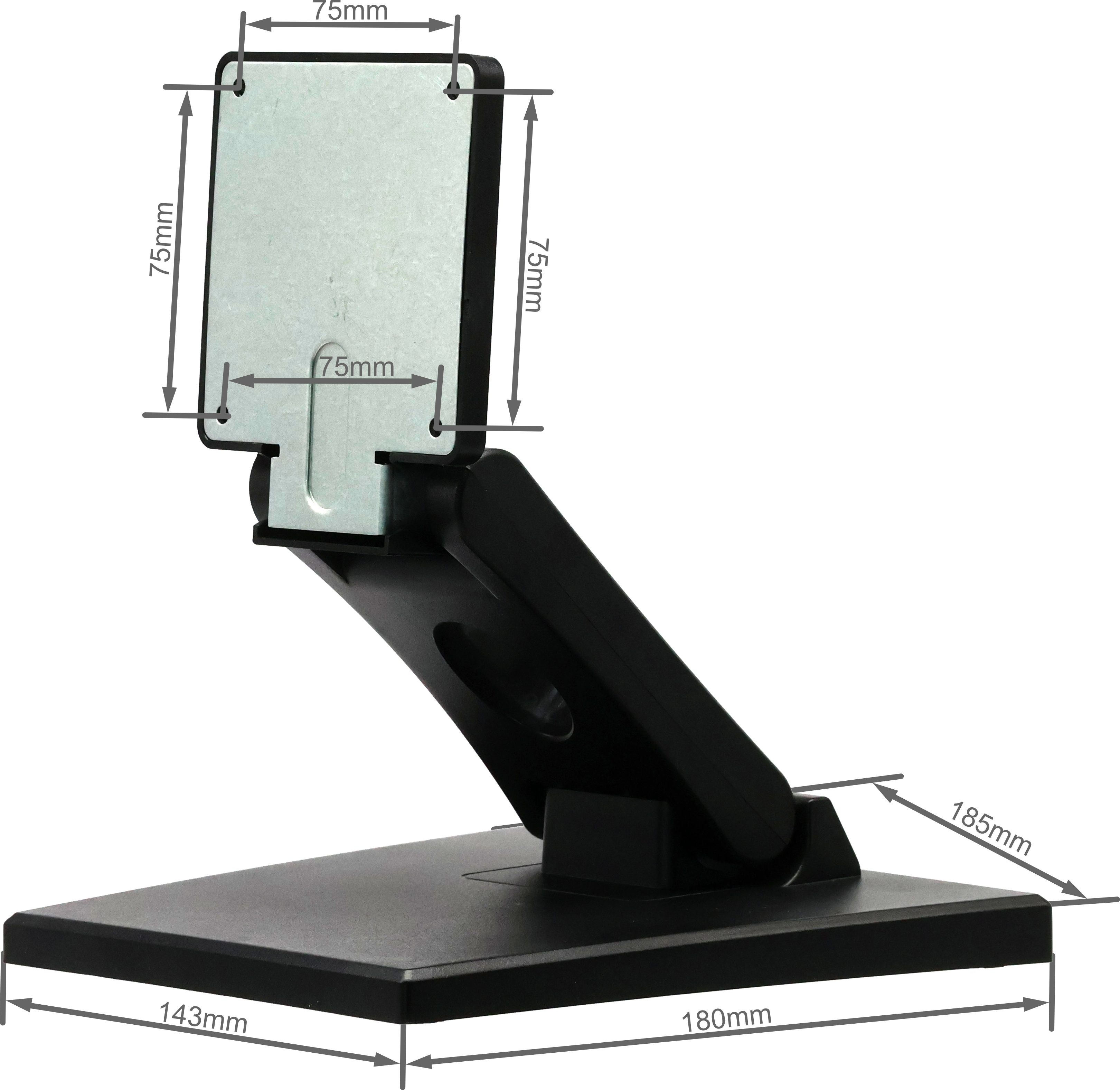
| VESA Hole Pattern | 75mm |
| Installation | Desk Mount |
Dimensions
Ordering Code
| Model | Description |
|---|---|
| ED-VESA-C | VESA 75mm Desk Mount Bracket for ED-MONITOR |
Packing List
- 1 x ED-VESA-C (including 4 x M4*7 screws)
Installation
Parts List:
| NO. | Name | Quantity (PCS) |
|---|---|---|
| ① | ED-VESA-C | 1 |
| ② | ED-MONITOR (Not provided) | 1 |
Preparation:
A Phillips screwdriver has been acquired.
Steps:
- Unfold the bracket and adjust its height.
TIP
The ED-VESA-C bracket is shipped in a folded state for easier transportation.
- Locate the VESA mounting holes on the ED-MONITOR.
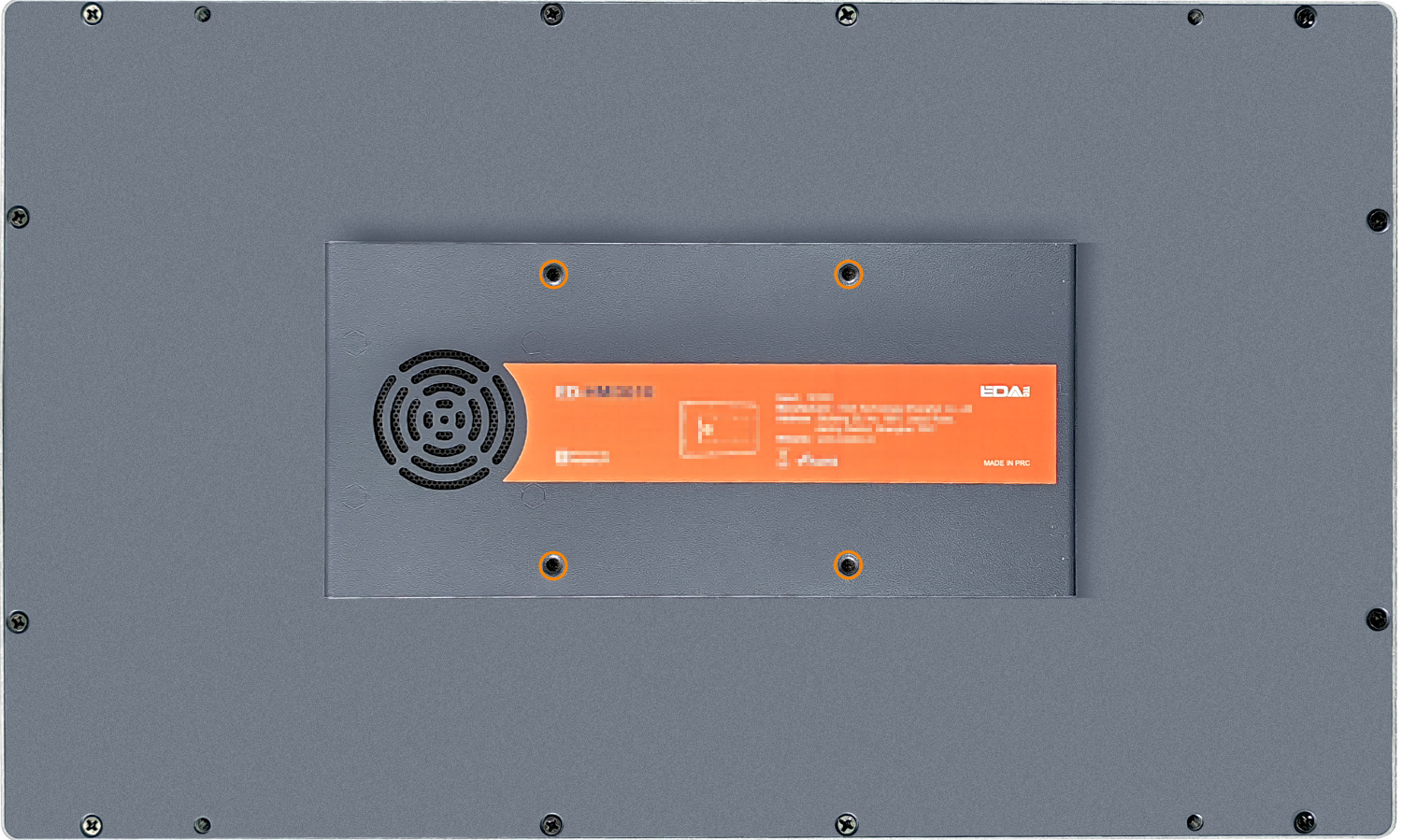
- Attach the bracket panel to the ED-MONITOR:
① Align the 4 screw holes on the bracket panel with the 4 VESA mounting holes on the ED-MONITOR.
② Insert the 4 mounting screws through the holes.
③ Use a screwdriver to tighten the screws clockwise until the bracket panel is securely fixed to the monitor.