ED-BKT-LB
Wall-mounted bracket for ED-IPC2100, ED-IPC2200 and ED-IPC2600
Specifications
| Mechanical Characteristics | |
|---|---|
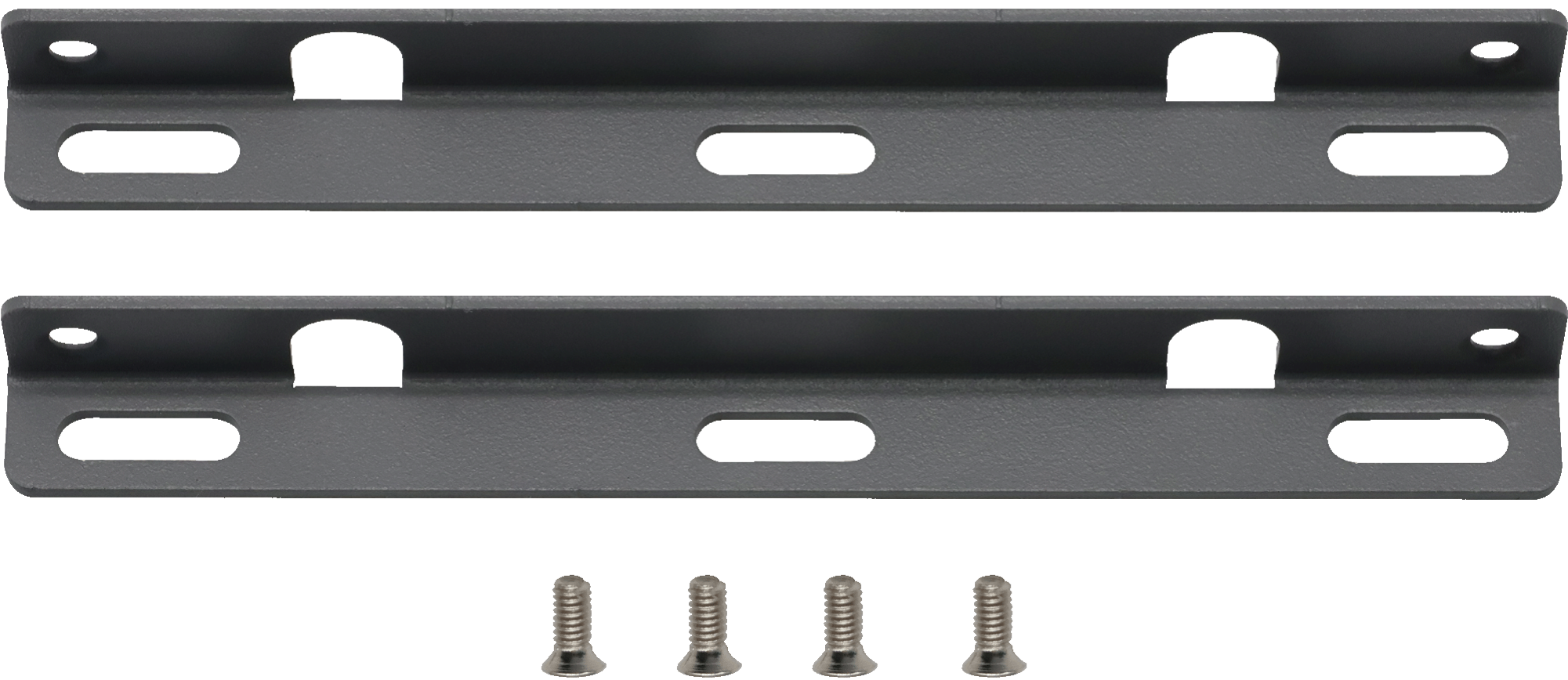
| Material | Galvanized steel sheet + Powder coating process |
| Color | Gray |
| Weight | About 25g |
| Installation | Wall-mounted |
Dimensions
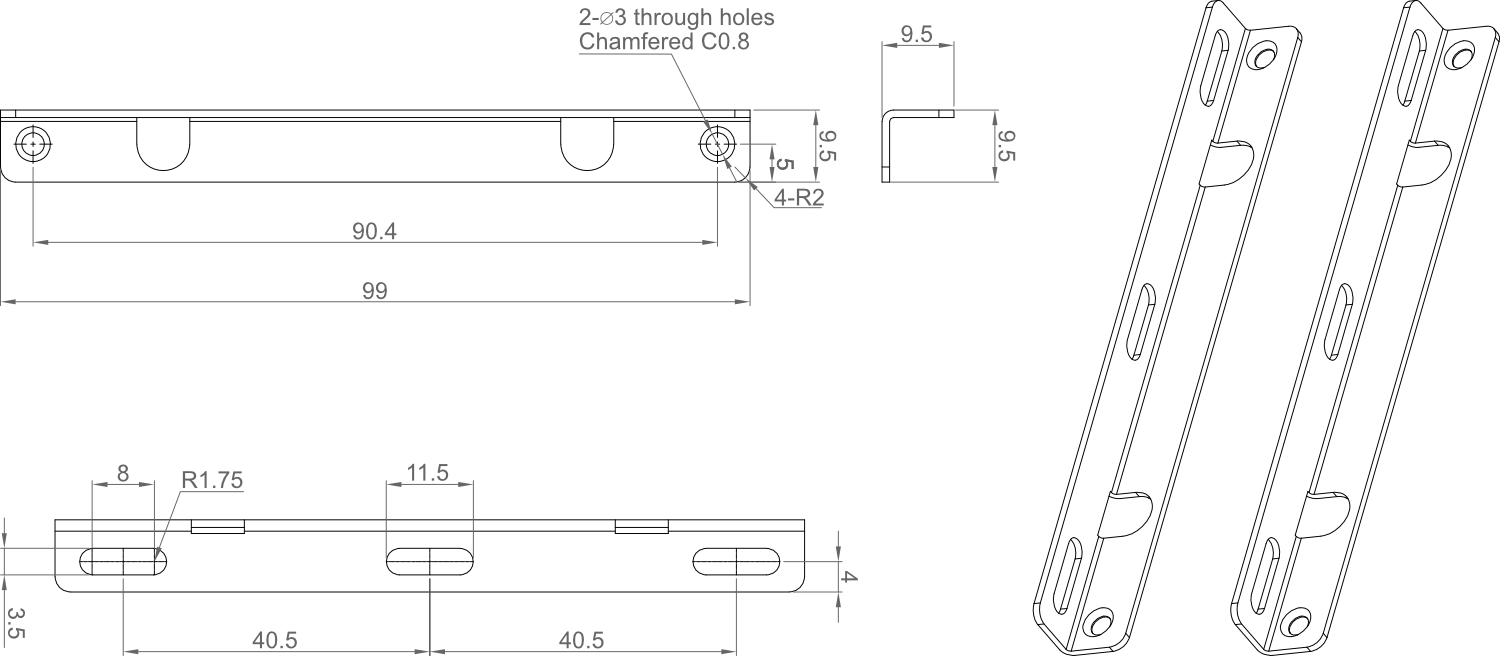
- Unit: mm
- Tolerance: 0.5-6±0.05, 6-30±0.1, 30-120±0.15
Ordering Code
| Model | Description |
|---|---|
| ED-BKT-LB | Wall-mounted bracket for ED-IPC2100, ED-IPC2200 and ED-IPC2600 |
Packing List
- 1 x ED-BKT-LB (with 4 M2.5*6 screws)
Installation
ED-BKT-LB is compatible with ED-IPC2100, ED-IPC2200, and ED-IPC2600. The installation methods for these three models are identical. In the following steps, ED-IPC2100 will be taken as an example for demonstration.
Parts List
| NO. | Name | Quantity (PCS) |
|---|---|---|
| ① | ED-BKT-LB (includes left and right brackets) | 1 |
| ② | M2.5*6 screw | 4 |
| ③ | ED-IPC2100 (Not provided) | 1 |
Steps
- Use a Phillips screwdriver to unscrew the four M2.5 screws on the side of the ED-IPC2100 counterclockwise.

- Align the left and right brackets of the ED-BKT-LB with the screw holes on both sides of the ED-IPC2100, insert the four M2.5*6 screws, and tighten them clockwise with a Phillips screwdriver to secure the ED-BKT-LB to the sides of the ED-IPC2100.

TIP
The "four M2.5*6 screws" in this step refer to the screws included as standard with the ED-BKT-LB.
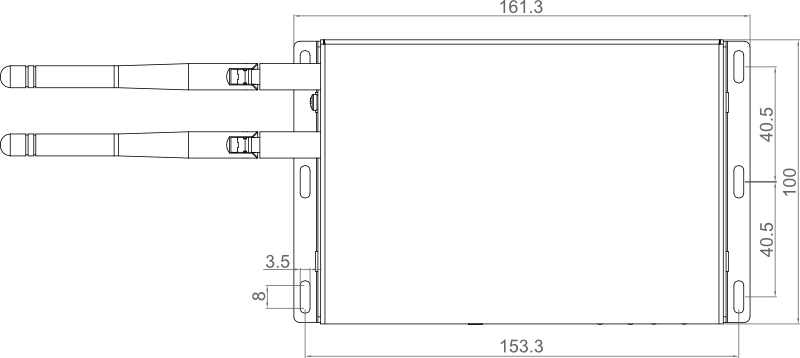
- Based on the spacing and diameter of the wall-mounting screw holes of the ED-BKT-LB left and right brackets (refer to the diagram below), drill holes in the wall accordingly, then proceed with wall-mounted installation of the device.
- Unit: mm
- Tolerance: 0.5-6±0.05, 6-30±0.1, 30-120±0.15